Pay : ₹19 (Nineteen Rupees Only)
Please follow the steps below to complete your payment:

- Open any UPI App (Google Pay, PhonePe, Paytm, BHIM, etc.).
- Scan the QR Code shown above.
- Enter the amount ₹19 (Nineteen Rupees Only) and complete the payment.
- Take a screenshot of the successful payment screen.
- Click the “Send Payment Details” button below.
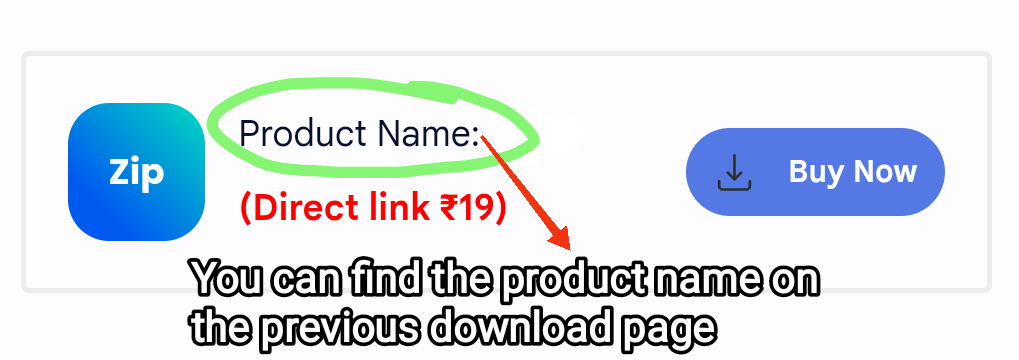
- Your email app will open — enter your “Product Name”
- Attach the “UPI payment screenshot”, and send the email.

Important:
Your order will be processed only after payment verification.
Verification usually takes 30–60 minutes during working hours.
Please review our Refund Policy page before making the payment.
Note: Please make sure the screenshot clearly shows the transaction id (UTR) status and date.